
Built for how a monument order actually moves.
Everything a monument shop does between the first call and the final payment, in one place.
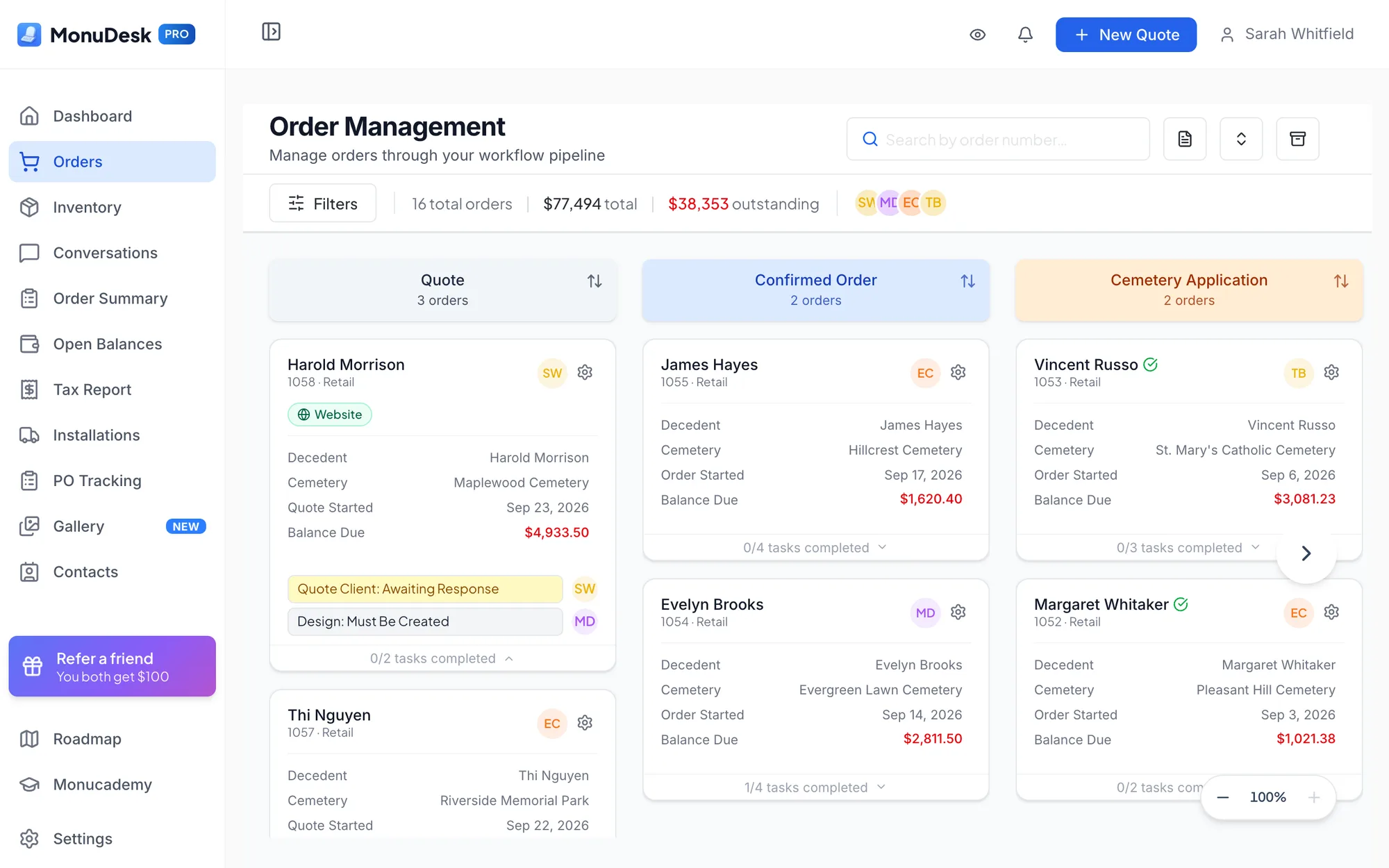
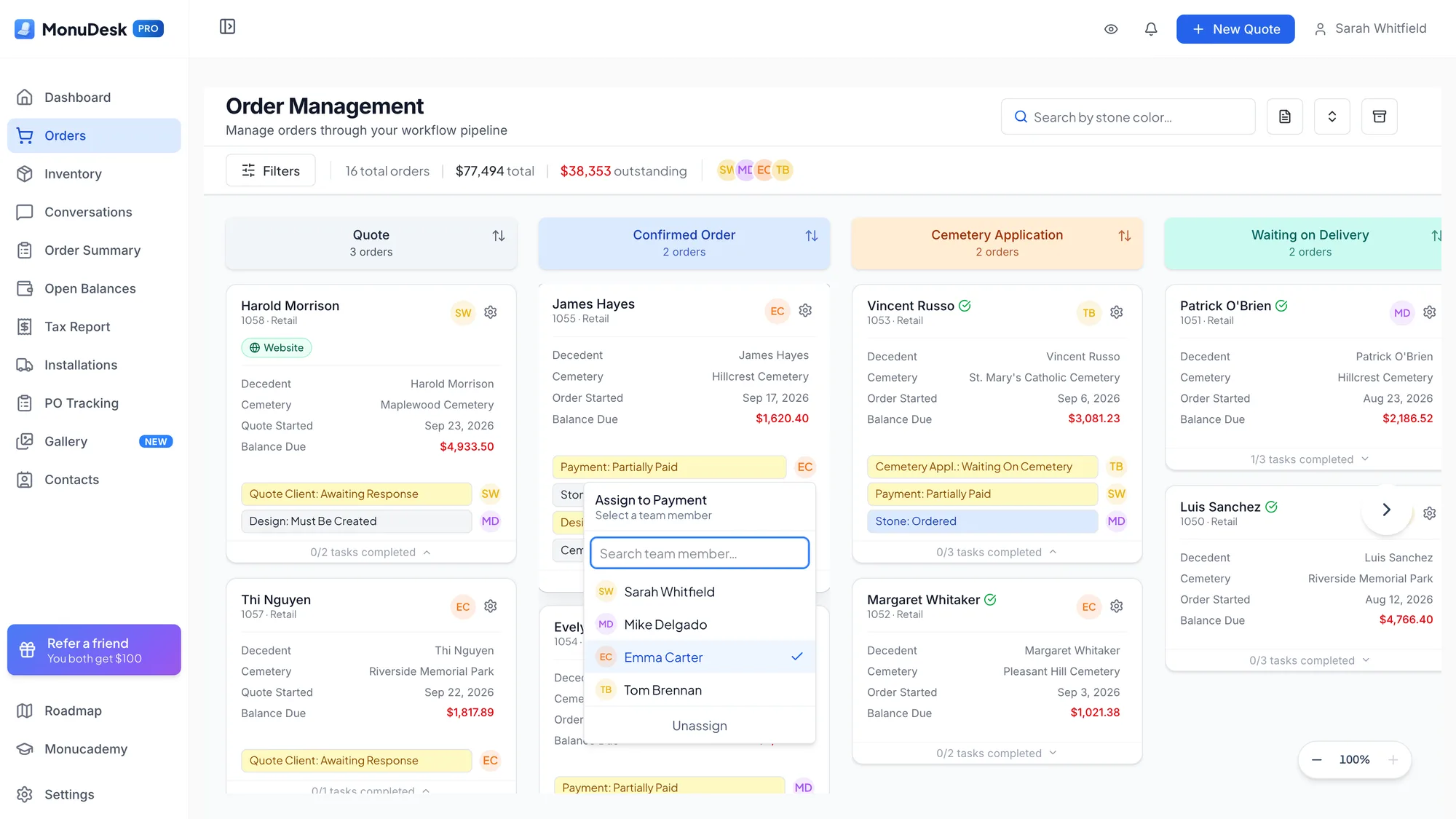
Order board
Every order a card, every stage a column. See at a glance what's waiting on the family, the cemetery or the supplier.
“Everything's all on one page, and I don't have to go through and open each order to figure out where we're at.”
MonuStudio 3D designer
Design the stone with the family in 3D, right from the quote. Put the designer on your website too, so families can start a design on their own.
In every plan. Dealers told us they pay $75 to $80 a month for design software alone.
See MonuStudio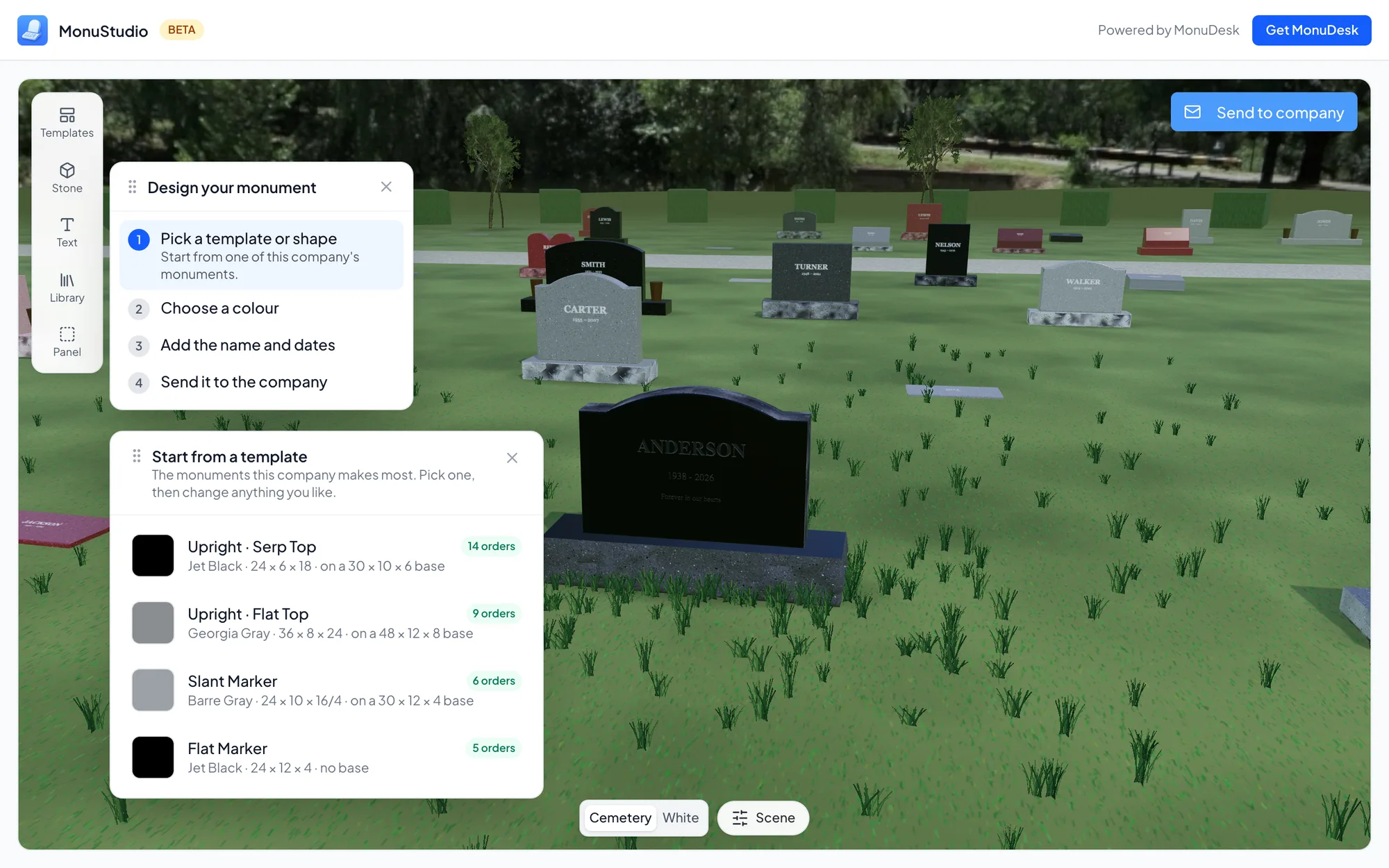
Quotes and your price book
Stone, lettering, cemetery, extras. Your prices fill in, and an accepted quote becomes the order.
“I think it's self-explanatory. It's way easier than what we were doing, for sure.”
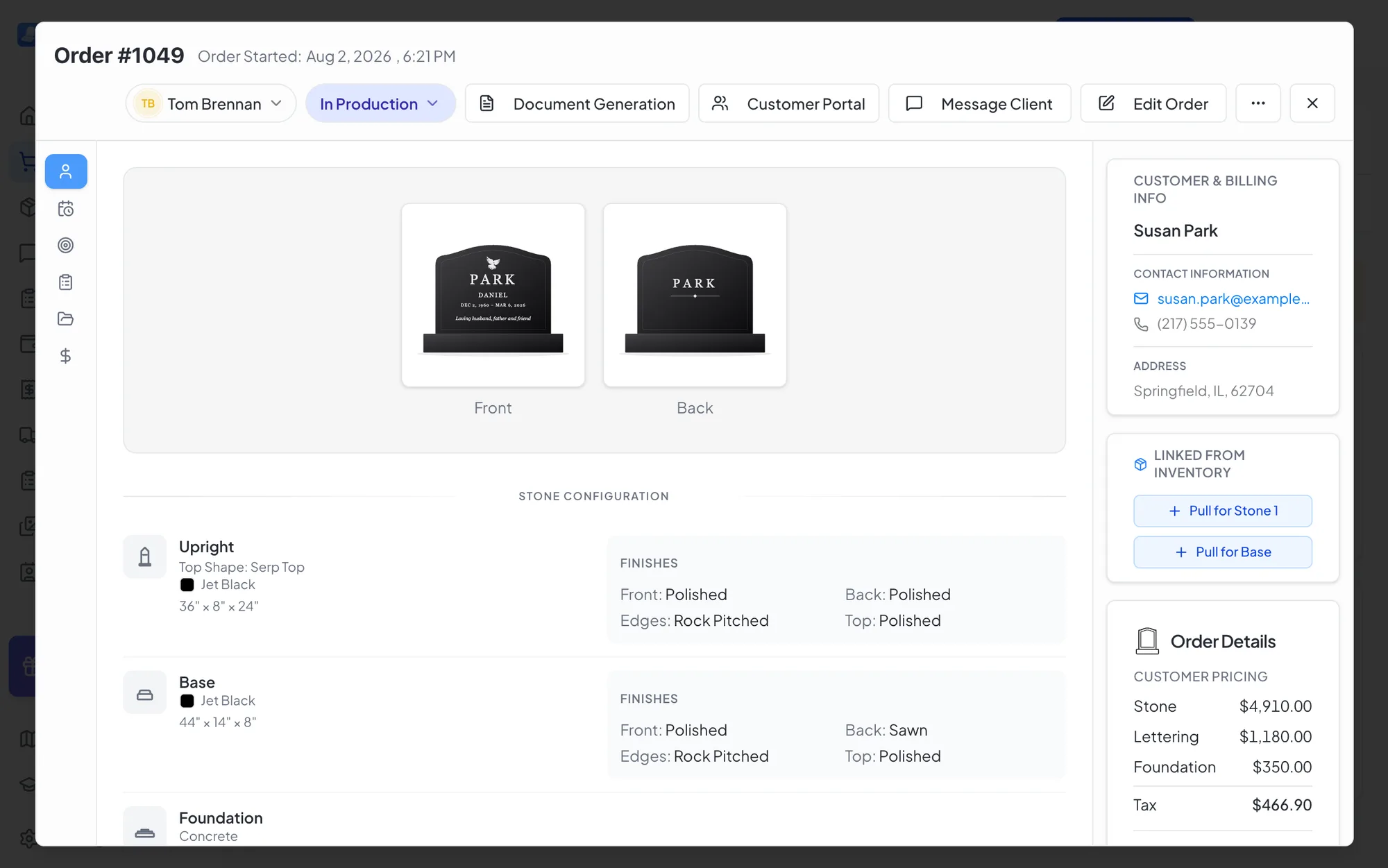
Contracts, invoices and receipts
Everything on the order flows into the contract, invoice and receipt. One click, and it's ready to print or send.
Purchase orders, foundation orders and shop tickets
Send the stone order to your supplier and the foundation order to the cemetery, straight from the order.
“I don't have to type out everything in the body of the email now. I've already put it into MonuDesk, and it just prints it all out for me. It's been helpful.”
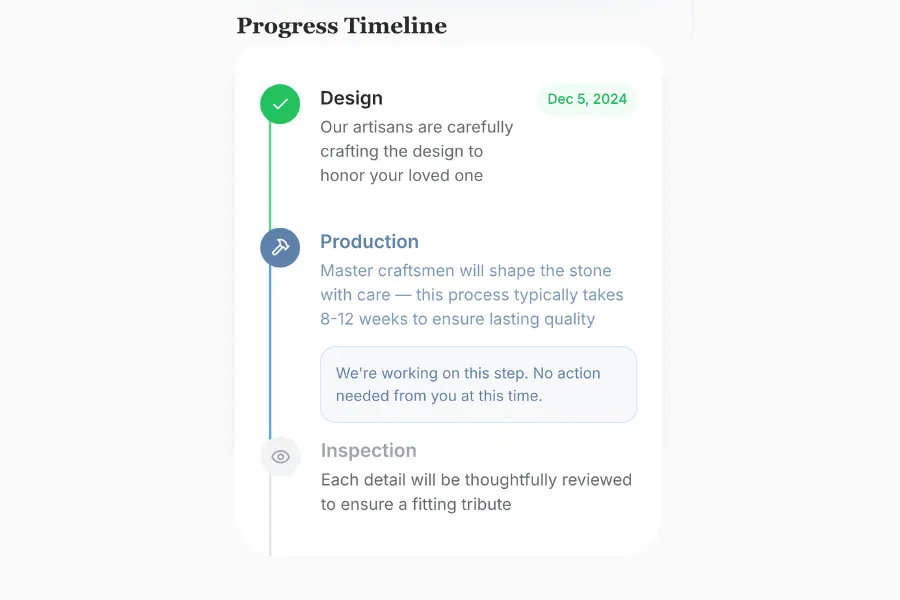
Family portal
Each family gets a link to see where their stone is, find their documents and pay online. You choose what they see.
“I like having everything, all the documents, right there in the portal. And I like being able to toggle what they can see and what they can't.”
Drawing approval
Families approve the drawing in their portal, and you get notified. No more JPEGs by email or signatures by fax.
“There's no need for DocuSign, because if they're clicking a box and they approve it, then it's just as good as a signature.”
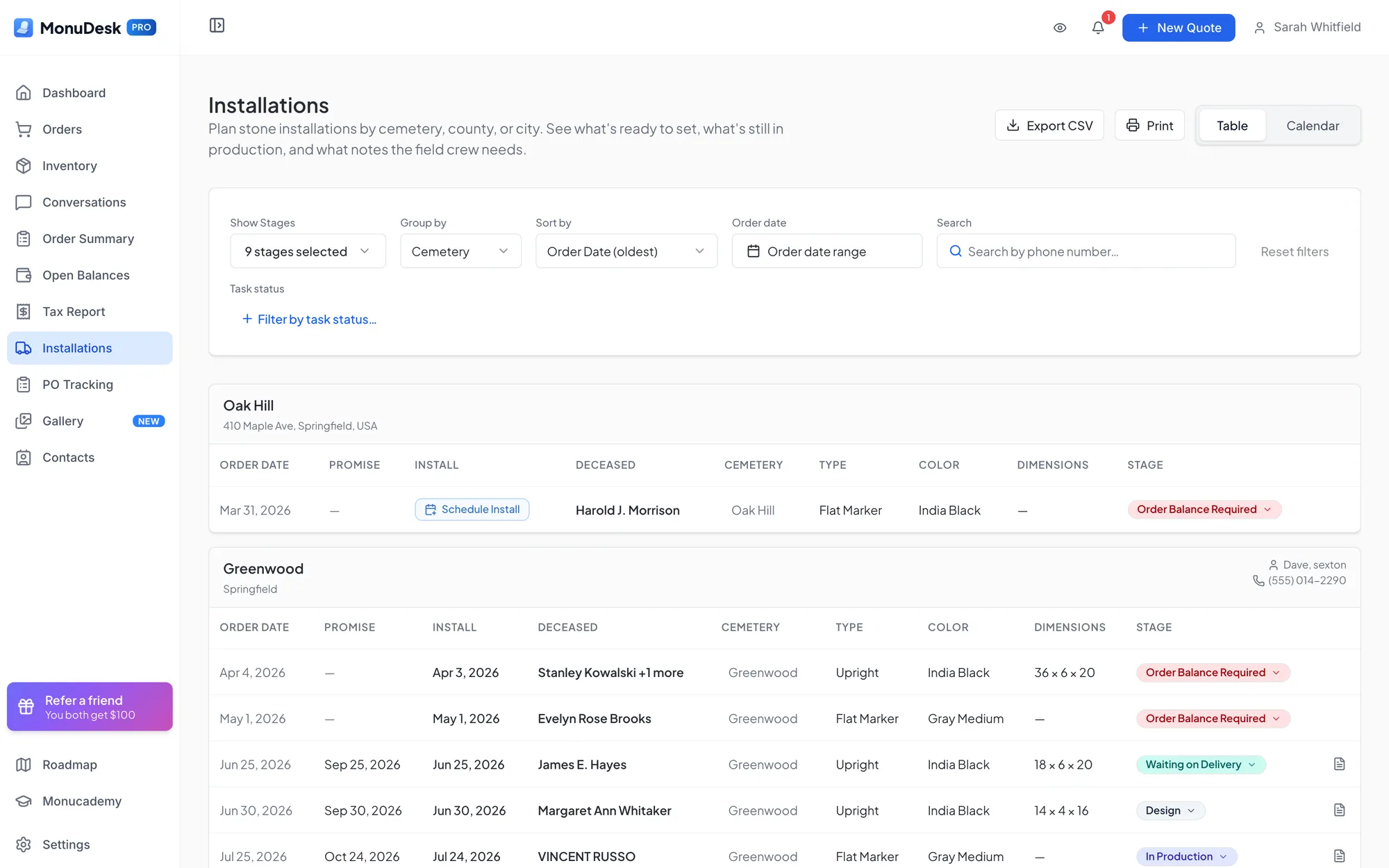
Cemeteries and installs
Set each cemetery's application, fees and foundation rule once. Every order for that cemetery gets the right to-dos.
“It gave me a list by promise date of what was coming up, whether it was lettering orders, new memorials, maintenance orders or burials. They all came up as a single list, which was cool, because that helps me plan with my guys in the shop.”
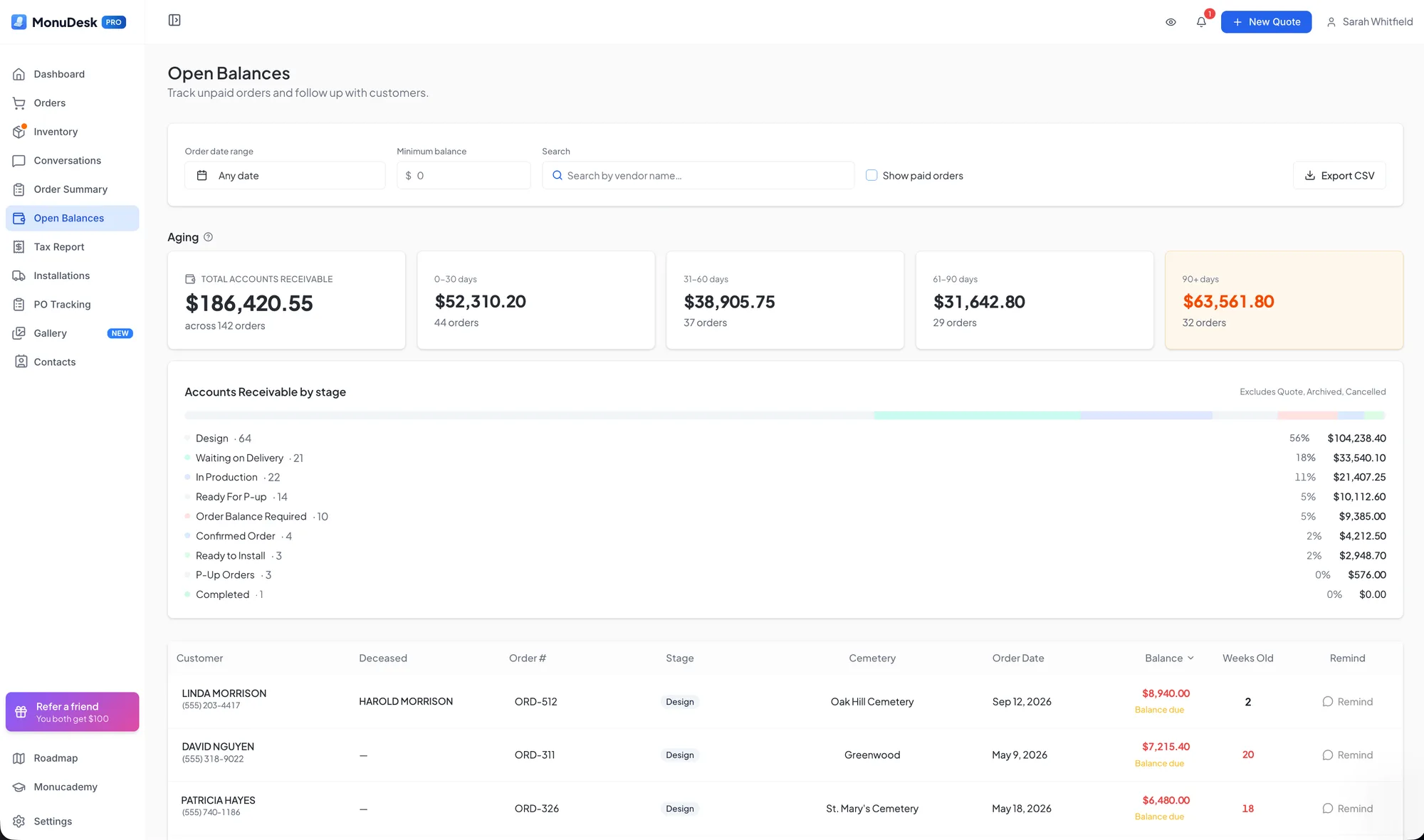
Payments and QuickBooks
Every open balance by age and stage, with one-click reminders. Invoices and payments go to QuickBooks Online.
“So this has only saved me time in terms of the process.”
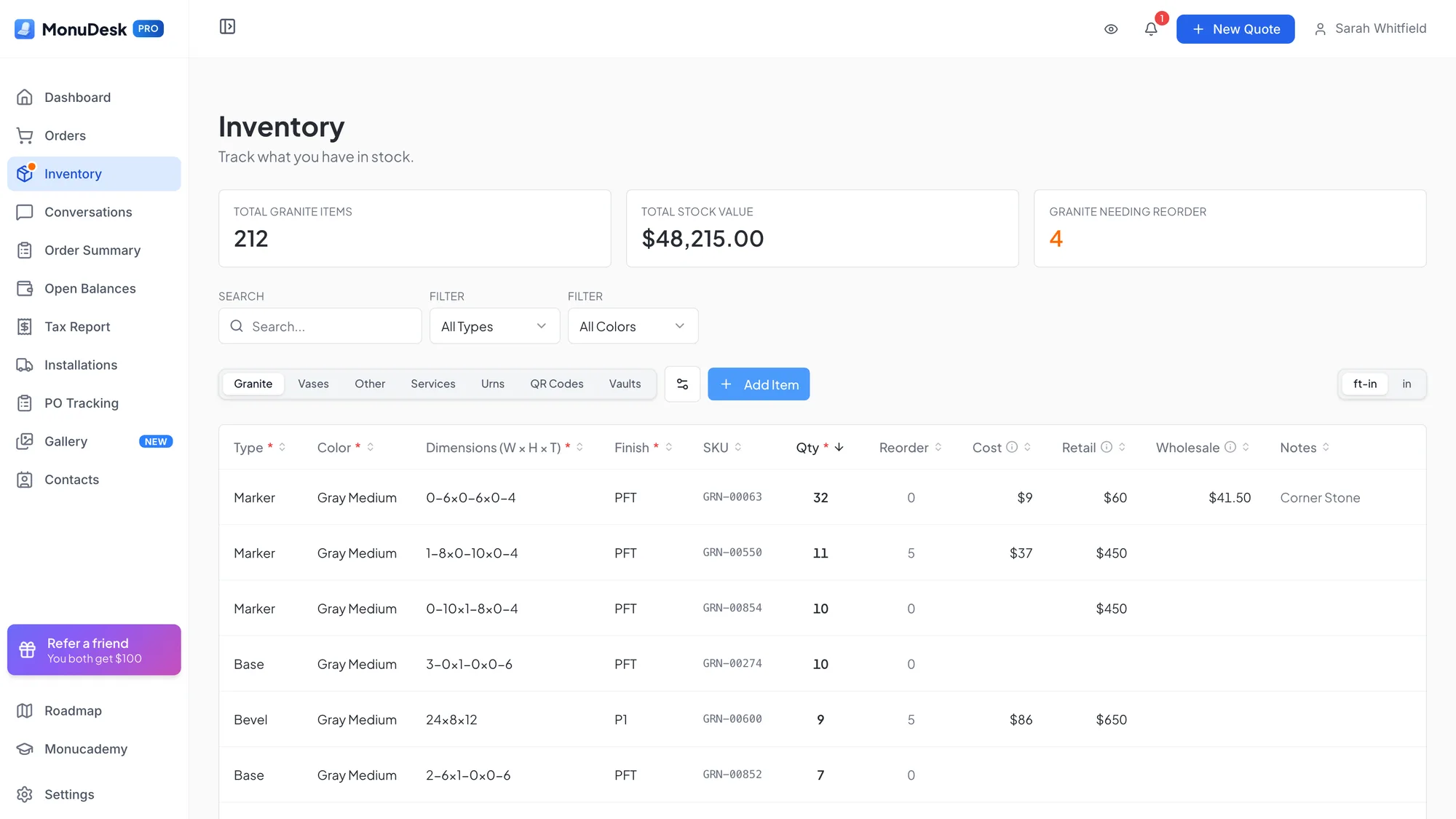
Inventory
Keep track of the stones and accessories you have on hand, and pull them into an order.
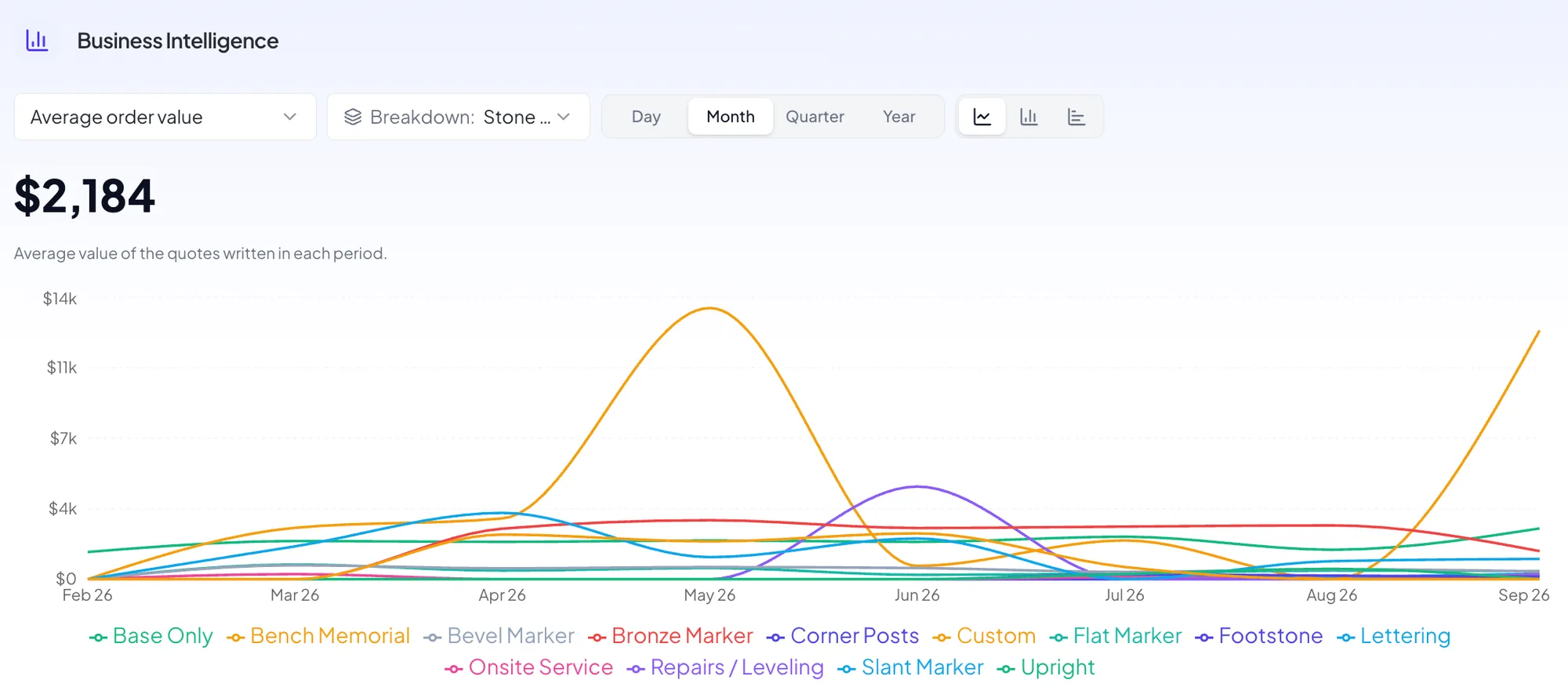
Insights
Order summary, open balances, sales tax report and installations, sliced by cemetery, county or month.
“It's nice to be able to see it visually, because I may think, you know, we're selling a bunch of slants, but actually we've sold more uprights.”
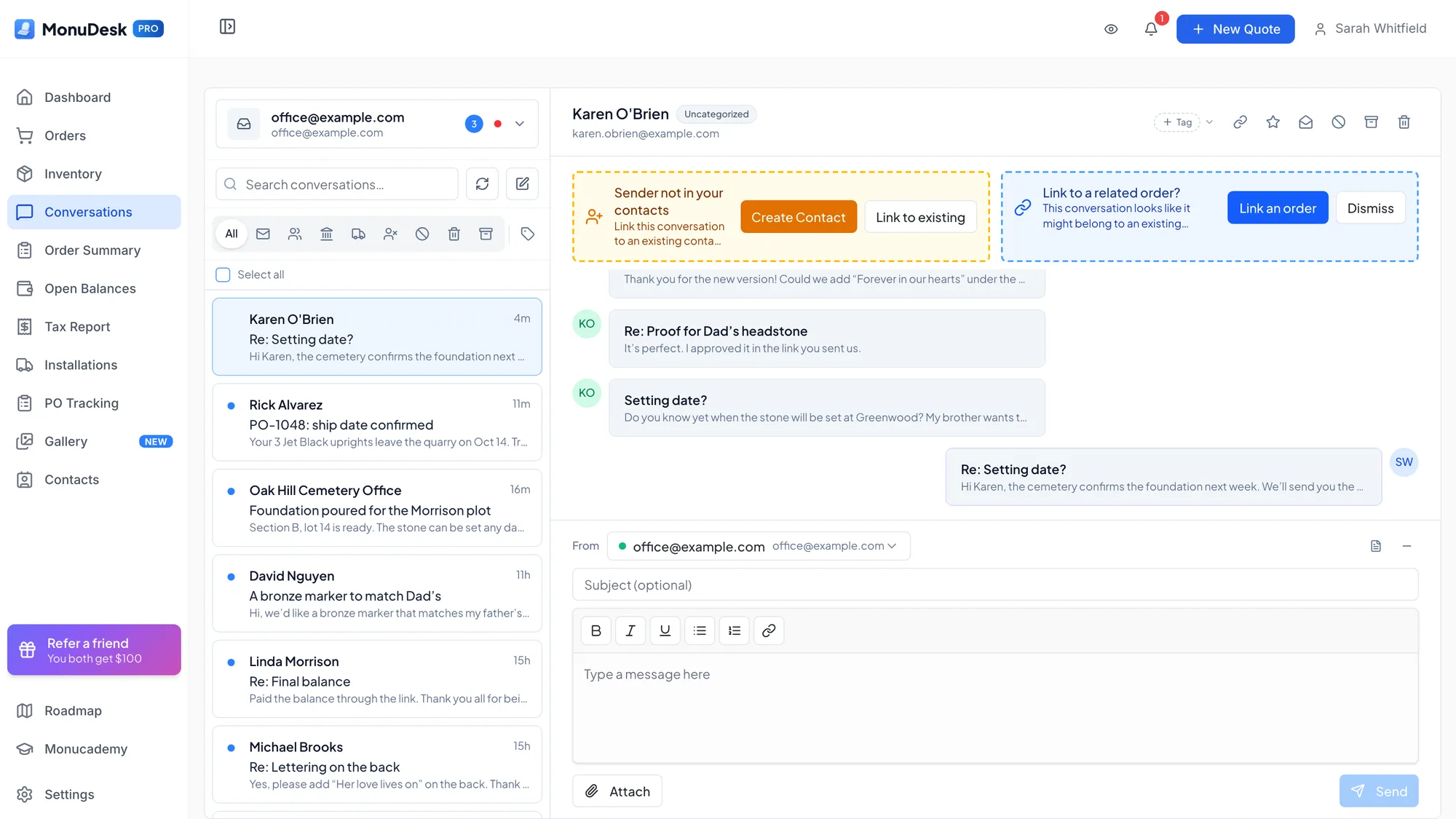
Email inside MonuDesk
Connect your inbox, keep every email with its order, and reply with your own templates.
“I just connected my email, so I'm not going back and forth between my Gmail account and MonuDesk anymore.”
Your team and locations
Add everyone who works on orders, assign to-dos, and run more than one location from the same account.
“I can see it on my computer, and my dad can see it on his, and then our plant manager can see it on his. It makes it easier for us to communicate what's going on.”
Try MonuDesk for 7 days.
Put your next orders in it and see what your week looks like.